JSON formatting and common parse errors
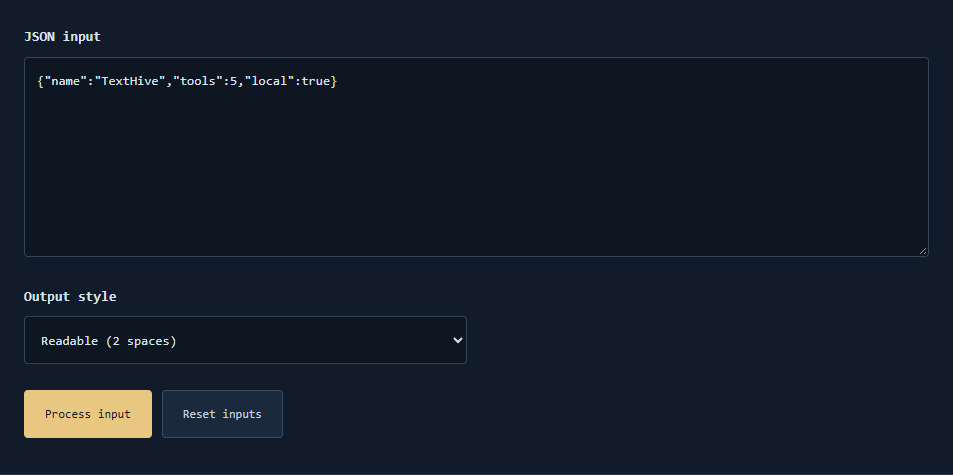
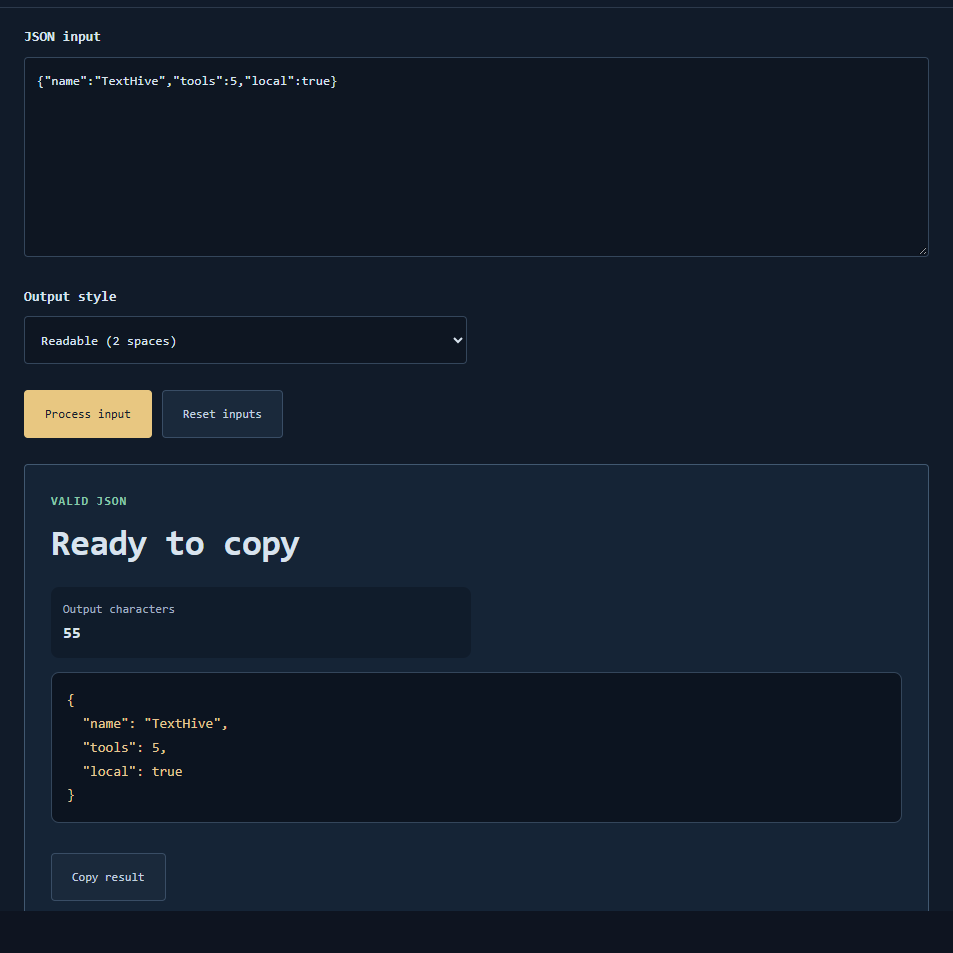
The JSON formatter parses your text with the browser JSON.parse rules, then reprints either a pretty-indented document or a compact single-line form depending on the mode you choose. Successful parsing means the value can be represented as ordinary JSON data; it does not preserve original spacing, key order guarantees across all engines, or comments—because standard JSON has no comments.
Useful scenarios
- Pretty-printing an API response before reading nested fields.
- Compacting a config file to compare byte size roughly.
- Validating that a hand-edited snippet still parses.
- Catching trailing commas before a deploy script fails.
- Sharing a cleaned example in documentation.
Errors you will see often
- Single quotes around strings instead of double quotes.
- Trailing commas after the last array or object element.
- Unquoted keys such as
{name: "Ada"}. - JavaScript-only literals like
undefined, bareNaN, or comments starting with//. - Smart quotes copied from a word processor instead of ASCII
". - Duplicate keys: parsers typically keep one value, so duplicates are a data smell even if parsing succeeds.
Worked example
Input (invalid): {'a': 1,}
Why it fails: single quotes and trailing comma.

Input (valid): {"a": 1, "b": [true, null]}
Pretty output sketch:
{
  "a": 1,
  "b": [
    true,
    null
  ]
}
Large integers beyond JavaScript’s safe integer range may lose exactness when parsed as numbers. If exact digits matter, keep them as JSON strings in the source system.
Common mistakes
- Treating “formatted” as “encrypted” or “safe to publish.”
- Expecting key order and whitespace to round-trip identically.
- Pasting JSON5 or YAML and expecting JSON.parse to accept it.
- Overwriting a production file without keeping the original bytes.
Limits
Local parsing only—no schema validation, no JSON Schema draft checking, and no streaming for multi-gigabyte files. Educational and convenience use inside the browser’s memory limits.
Does formatting fix invalid JSON?
No. The text must already parse; the tool then reprints it.
Are trailing commas ever allowed?
Not in standard JSON. Remove them before parsing.
Need a correction?
Contact us with a minimal failing snippet.