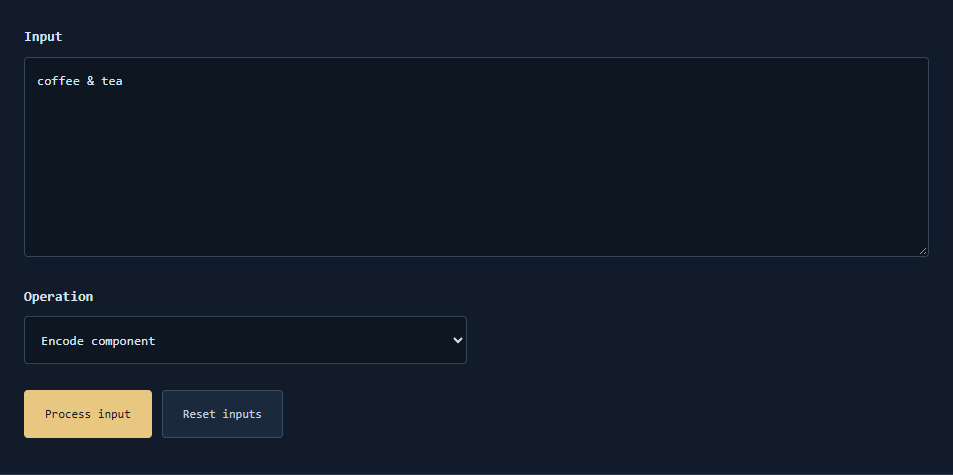
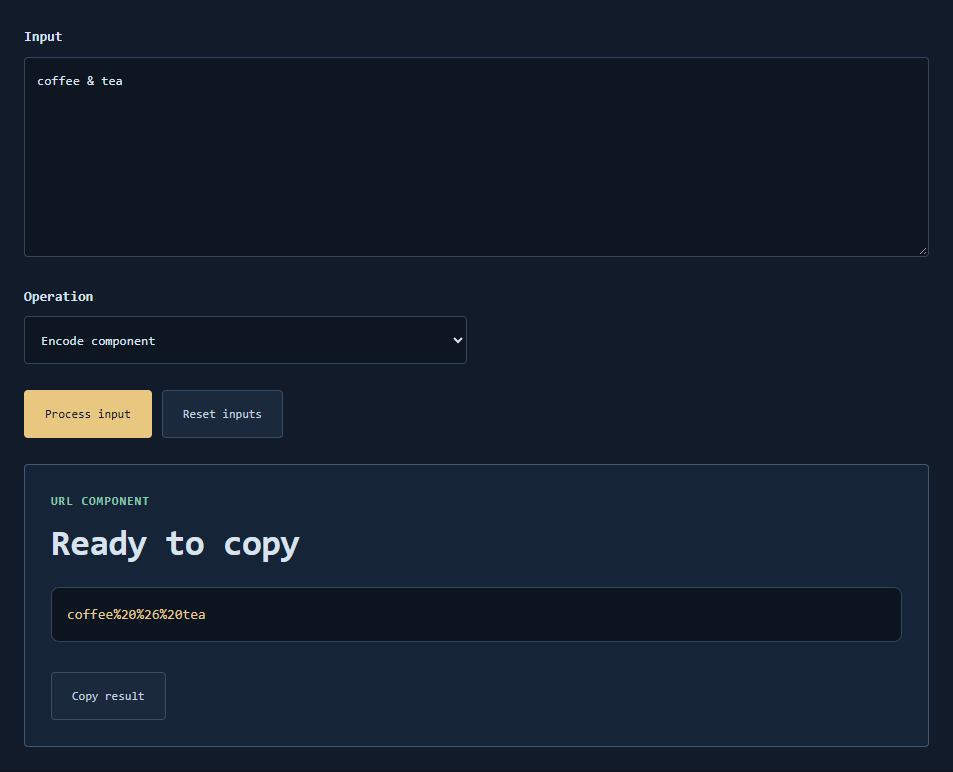
Encode or decode URL components
TextHive percent-encodes characters that are unsafe in URL components, or decodes percent-sequences back to text. It is for query values and fragments you are editing carefully—not a full URL parser that rewrites structure.
Scenarios
- Putting a search string with spaces or ampersands into a query parameter.
- Decoding a copied link parameter to read the original phrase.
- Teaching reserved vs unreserved characters.
- Checking that Unicode is UTF-8 percent-encoded.
- Avoiding accidental injection of
&that splits parameters.
Rules
Encoding follows common encodeURIComponent-style behavior for component safety. Decoding reverses percent-encoded bytes as UTF-8 text when valid. Do not decode untrusted strings and then execute them as code or HTML.
Example
hello world/test encodes with spaces and slash turned into percent sequences suitable for a single component. Decoding a%3Db%26c yields a=b&c as literal text—useful when that string is data, not a second query string.
Mistakes
- Encoding an entire URL including
https://when you only meant one parameter. - Double-encoding until readability collapses.
- Assuming decode validates phishing links.
Limits
Component helper. Scheme/host parsing, IDNA, and normalization belong elsewhere.
encodeURI vs encodeURIComponent?
This tool aims at component safety (like encodeURIComponent). Encoding a full URL for display may need a different rule set.
Plus for space?
Application/x-www-form-urlencoded sometimes uses +; percent %20 is the safer component form here.
Security
Decoding does not make a string safe to inject into HTML or SQL.
Contact
Share a short sample component, not credentials.
Encoding URL pieces without breaking the whole link
Encode the component you are about to insert—path segments, query values, or fragments—not necessarily an entire already-built URL. Reserved characters left raw can split query parameters; over-encoding can make servers see literal % sequences you did not intend. Decode only data you are willing to display; decoding does not make a string safe to execute.
Compare against a known fixture: a space should become %20 (or + in some query styles—know which your stack uses). International text needs UTF-8 percent-encoding; mismatched legacy encodings explain many “gibberish” tickets.
Full URL vs component
If you paste a complete URL into a component encoder, you may encode :// and & and produce a useless string. Encode the piece, then assemble.
Base64 confusion
Opaque tokens that are Base64 belong on the Base64 page; percent-encoding is a different transformation.
Save the raw and encoded forms together when filing a bug. JSON Formatter and Word Count solve different text problems—pick the specialized TextHive page for each job.