How TextHive counts words and characters
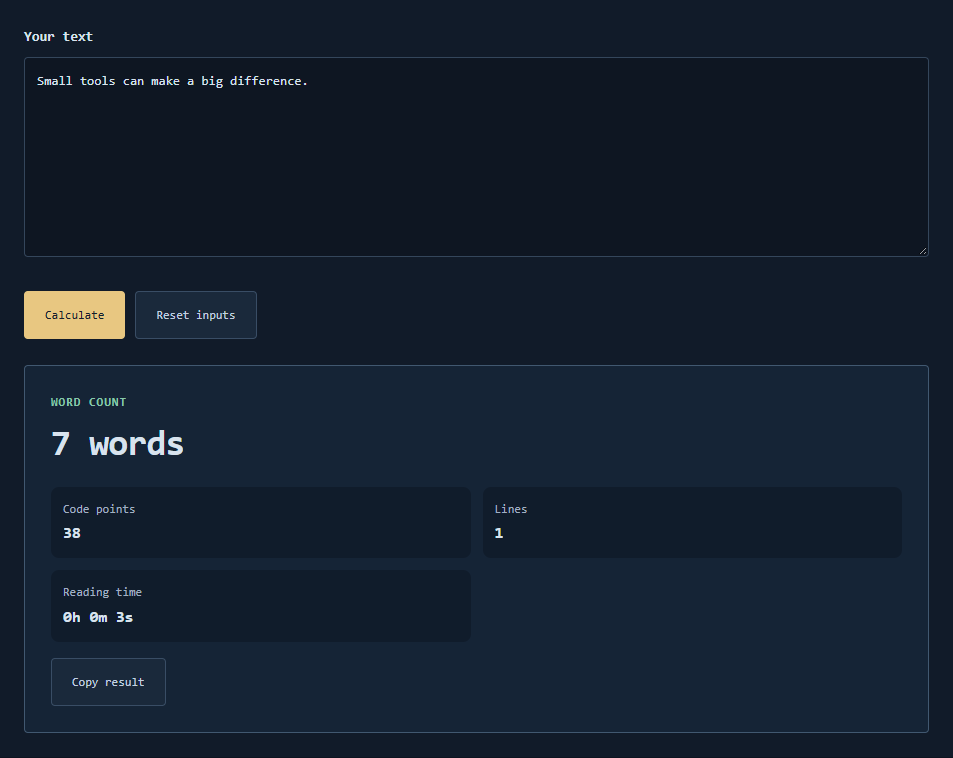
The text counter treats a “word” as a whitespace-separated token after trimming the whole string. Internal runs of spaces, tabs, or line breaks collapse to a single split boundary. Character count uses Unicode code points via JavaScript string iteration, so most emoji and letters count as one code point each even when they use multiple UTF-16 code units. Lines split on CR, LF, or CRLF. Duration estimates belong on a separate planning tool; this page reports counts only.
Useful scenarios
- Checking an essay draft against a soft word limit before export.
- Comparing code-point length with a field that enforces a maximum.
- Checking brief limits for a short announcement by word count.
- Counting lines in a pasted log while ignoring how the editor wraps visually.
- Seeing how punctuation glued to words affects token counts.
Punctuation and CJK notes
Punctuation attached to a token usually stays inside that token: hello, counts as one word, not two. Separators that are only punctuation between spaces can create odd tokens; tidy spacing if you need linguistic words. Chinese, Japanese, and Korean text written without spaces typically counts as a single word under this whitespace rule even when a reader perceives many characters. For CJK drafts, rely on the code-point metric (and your own segmentation rules) rather than the word total alone.
Worked example
Input:
The quick brown fox.

Output sketch:
Words: 4
Code points: 20 (including spaces and the period if present in the string you typed)
Lines: 1
Input 你好世界 with no spaces yields 1 word and 4 code points. Input hello world still yields 2 words because splits ignore extra whitespace width.
Common mistakes
- Expecting linguistic word counts for unspaced CJK paragraphs.
- Comparing against a tool that counts UTF-16 code units instead of code points.
- Treating symbol-heavy technical docs as if every token were a prose word.
- Pasting styled text that includes hidden characters from an editor.
Limits
This is a local whitespace counter, not a publisher’s typesetting engine or a language-specific tokenizer. Very large pastes are capped by the form’s length guard. Keep a source copy if the count will gate a submission.
Why code points?
They match how many users think about “characters” in Unicode text better than raw UTF-16 units.
Does Markdown syntax count?
Yes—symbols are ordinary characters unless separated by whitespace into their own tokens.
Need a correction?
Contact TextHive with a sample string and the counts you expected.